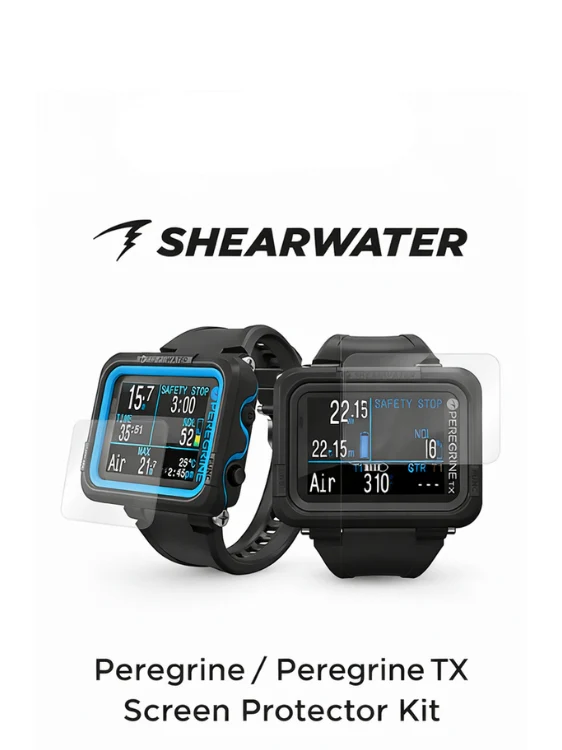
Shearwater Peregrine Screen Protector Kit
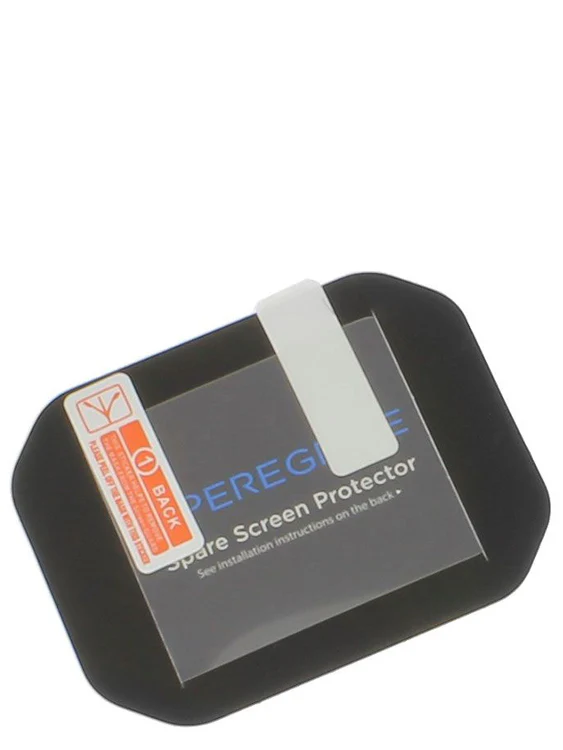
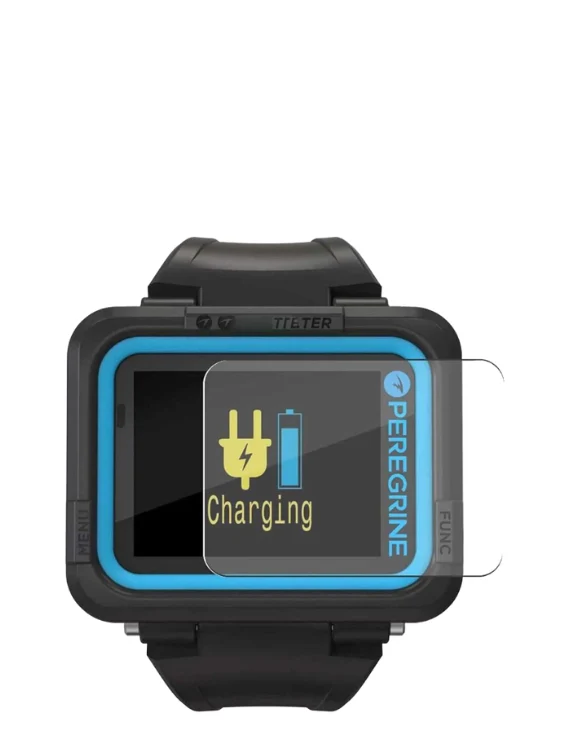
Replacement screen protector for the Shearwater Peregrine.
Easy to install film to protect your computer from scratches/bumps.
Kit includes:
• PET Screen protector
• Microfiber cloth
• Dust absorber sticker
• Dry/wet wipes
• Squeegee
HOW TO INSTALL:
1. After washing your hands, pre-position the screen protector to the Peregrine / Peregrine TX (adhesive side downward).
2. Clean the screen of your dive computer with wet wipes followed by the dry wipes, then clear the remaining liquid with the microfiber cloth.
3. Clean the dust on the screen with the dust absorber sticker.
4. Peel off the protective film from the PET screen protector.
5. Press the center of the PET screen protector and remove the tiny air bubbles by gently pushing outwards with the squeegee from the center (Allow 1 - 2 days for the smaller bubbles to fully disappear).
IMPORTANT NOTE:
Must clean the dust on the screen and apply it in a dust free room. If there are air bubble spots and the section is not adhering, you will need to gently peel off the screen protector carefully and reinstall it.
CAUTIONS:
Repeated removal of the PET screen protector may cause it to lose its adhesiveness, During application, excessive force may cause damage to the PET screen protector.
Original: $9.12
-70%$9.12
$2.74Product Information
Product Information
Shipping & Returns
Shipping & Returns
Description
Replacement screen protector for the Shearwater Peregrine.
Easy to install film to protect your computer from scratches/bumps.
Kit includes:
• PET Screen protector
• Microfiber cloth
• Dust absorber sticker
• Dry/wet wipes
• Squeegee
HOW TO INSTALL:
1. After washing your hands, pre-position the screen protector to the Peregrine / Peregrine TX (adhesive side downward).
2. Clean the screen of your dive computer with wet wipes followed by the dry wipes, then clear the remaining liquid with the microfiber cloth.
3. Clean the dust on the screen with the dust absorber sticker.
4. Peel off the protective film from the PET screen protector.
5. Press the center of the PET screen protector and remove the tiny air bubbles by gently pushing outwards with the squeegee from the center (Allow 1 - 2 days for the smaller bubbles to fully disappear).
IMPORTANT NOTE:
Must clean the dust on the screen and apply it in a dust free room. If there are air bubble spots and the section is not adhering, you will need to gently peel off the screen protector carefully and reinstall it.
CAUTIONS:
Repeated removal of the PET screen protector may cause it to lose its adhesiveness, During application, excessive force may cause damage to the PET screen protector.